- Log into your Starlink Account and go to your Settings Page – https://www.starlink.com/account/settings
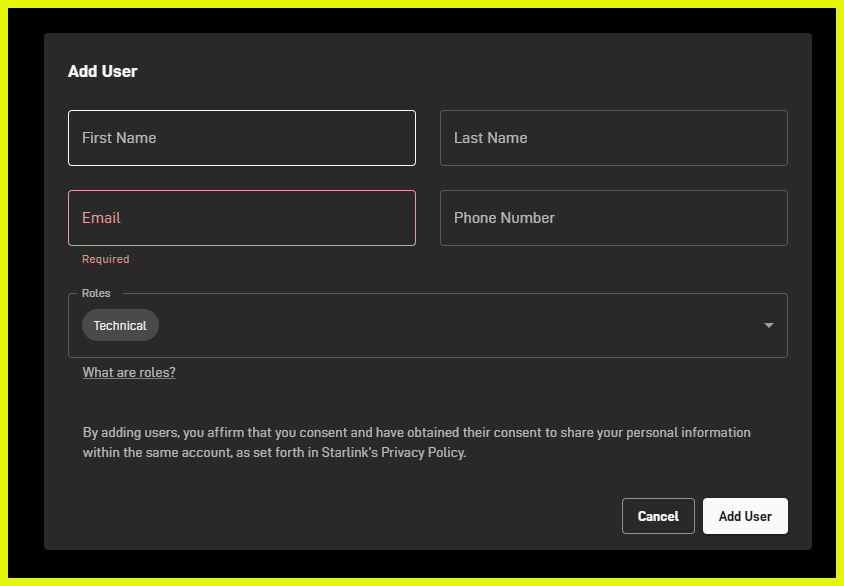
- Under “Users” and click “Add” on the right hand side
- Follow the prompts and add the user to your account
Published on: 16/01/2025 | Last updated on: 12/01/2026